
360Works
One platform for digital training and live expert support.
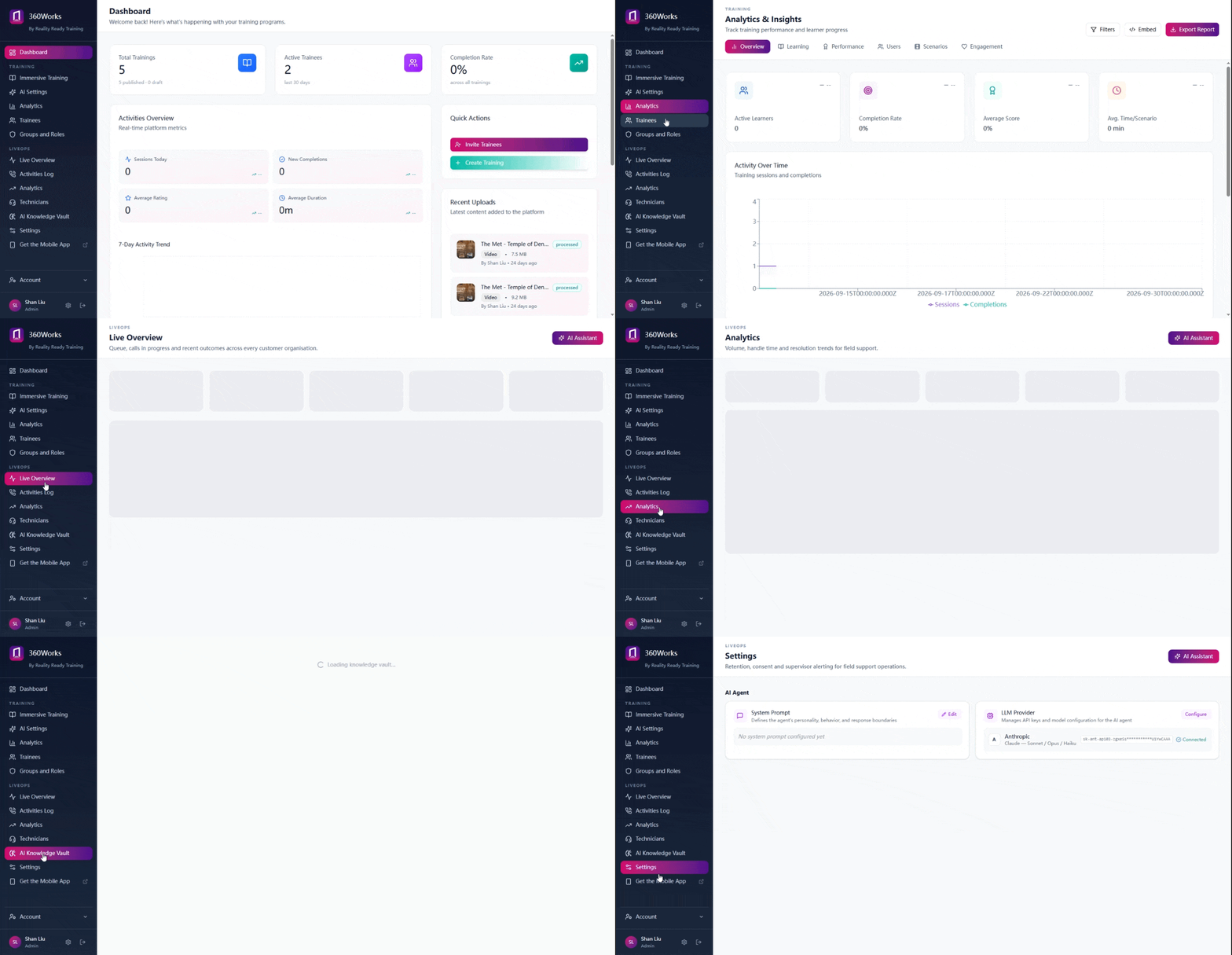
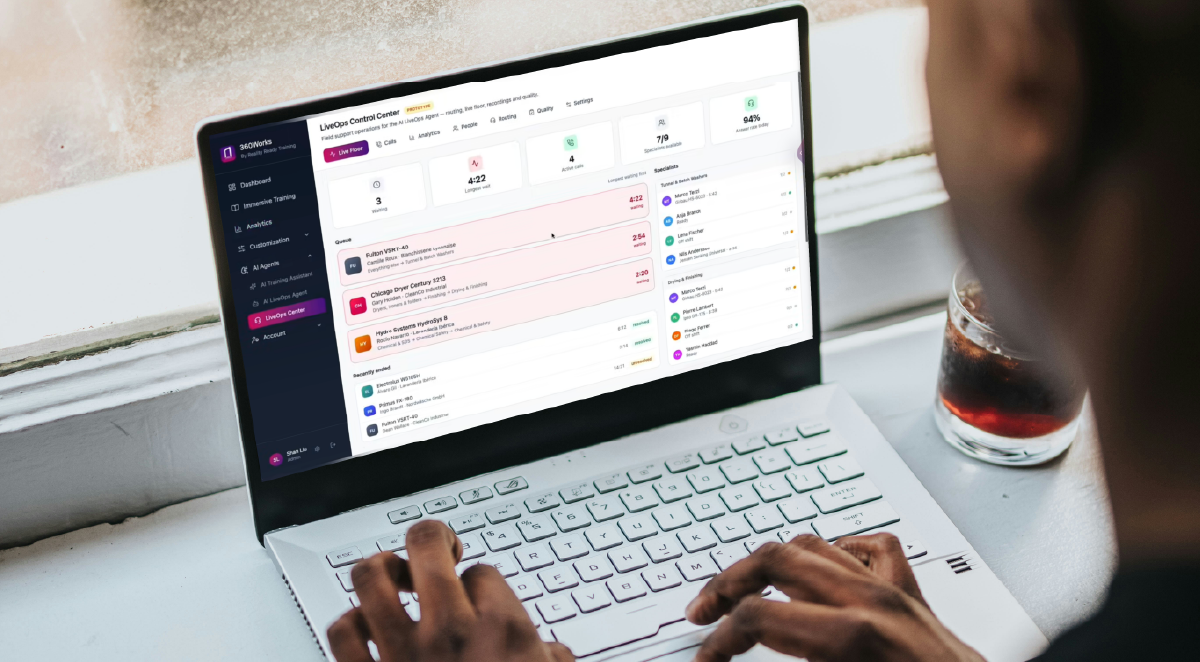
Build 360° and video courses your team can take anywhere. When someone needs help during the job, bring a remote expert into a live session from the same app.
What you can build
Who builds on it
Onboarding & Ramp-Up.
Get new people productive without shadowing a senior tech for a month.
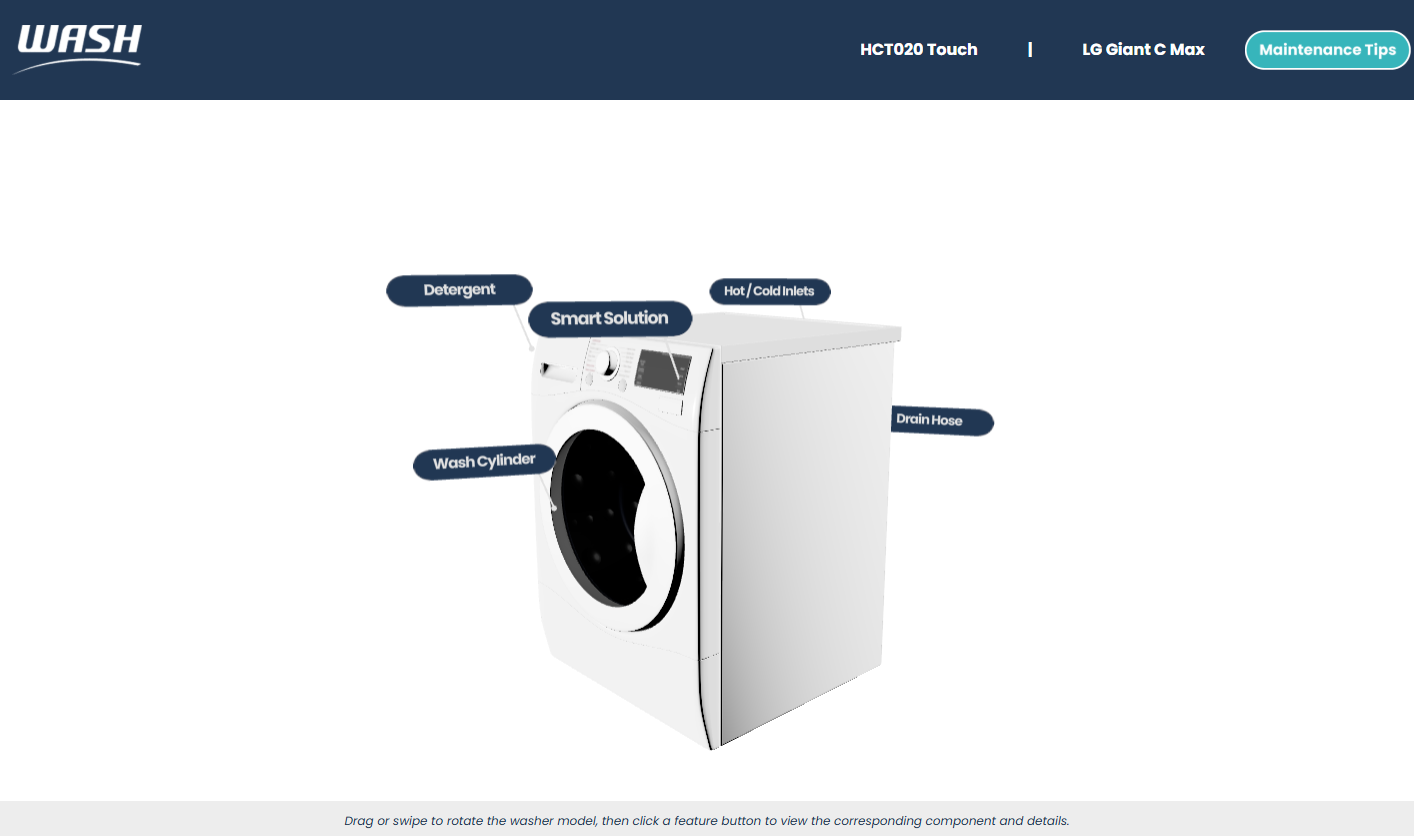
Equipment & Repair Training.
Every model, every fault, every time. Including the units that only exist at one site.
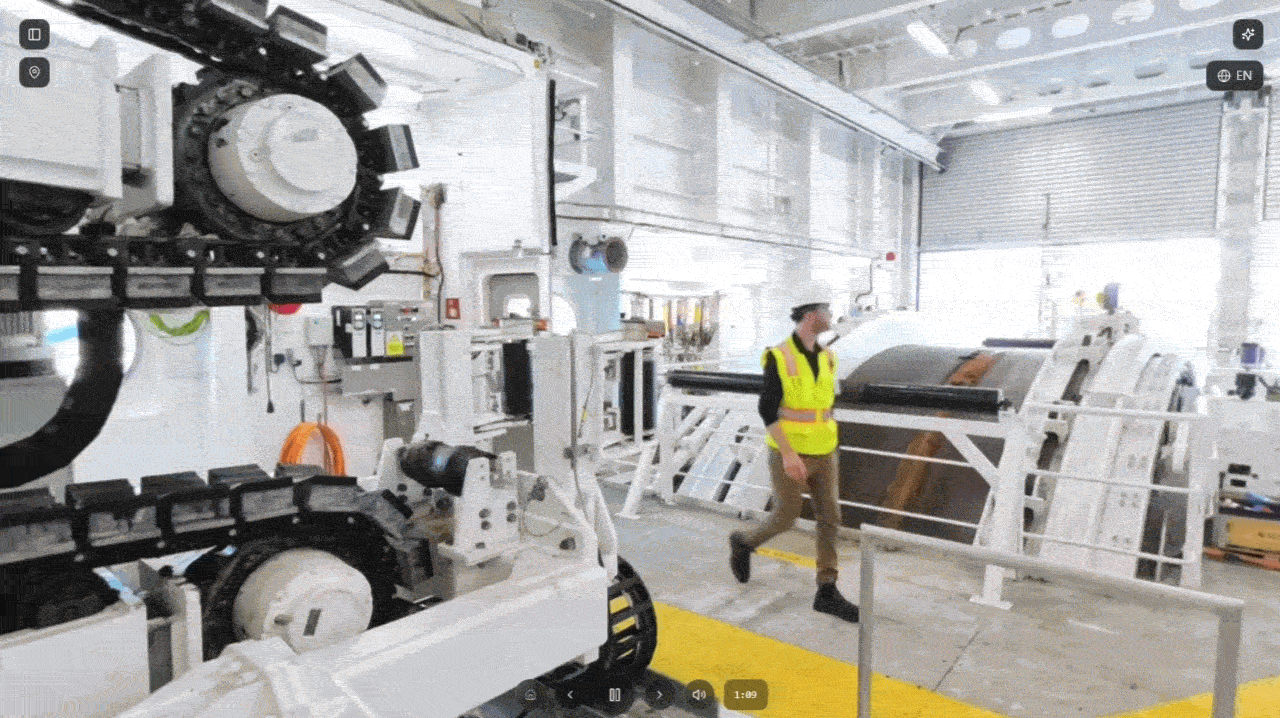
Safety & Compliance.
Show the hazard without creating one. Track who completed what, and when.
Knowledge Capture.
Record how the work is actually done before a process transfers or the people who run it move on.
Where we come in
on 360Works
Studio
Most programs start on the left and add from the right as they grow.
Some start with a studio build and move to self-service once the team knows the tool.
AI on your terms
It helps you build the training, and helps your people use it.
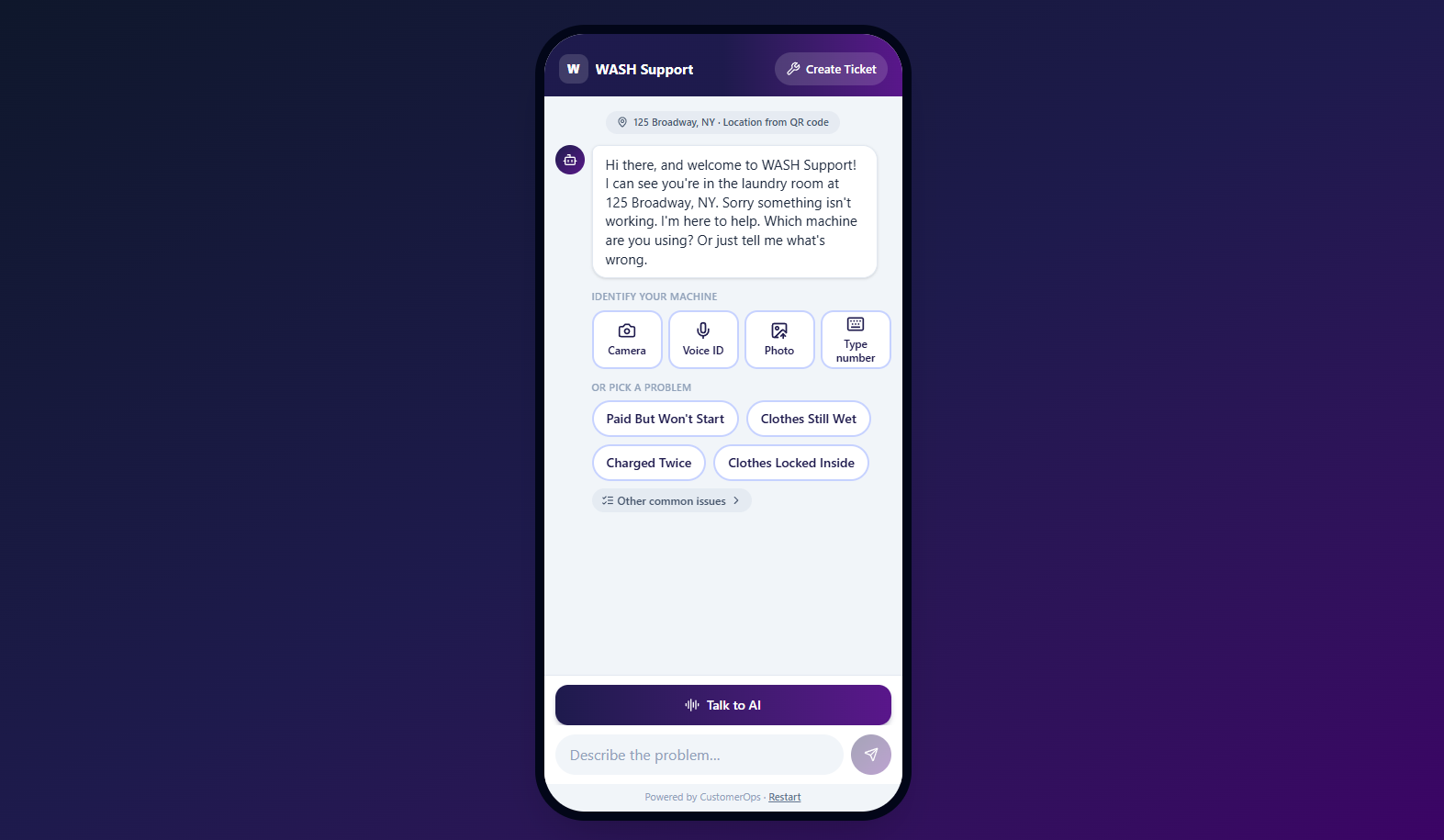
AI Creator turns your own footage and notes into draft lessons and quiz questions, so nobody starts from a blank page. On the other side, an assistant trained on your material answers questions mid-lesson, on the job, and in the months after, with a live expert behind it for anything it cannot answer.
It runs on your API key and your choice of model, so it fits the stack you already have and upgrades as better models arrive.
Tell us what you're trying to train.
Describe the procedure, site or scenario, and we'll tell you what it would take to build.
Prefer to talk it through? [Book a call]