
3D Scanning & Modeling
Your equipment, scanned from the real thing and made interactive.
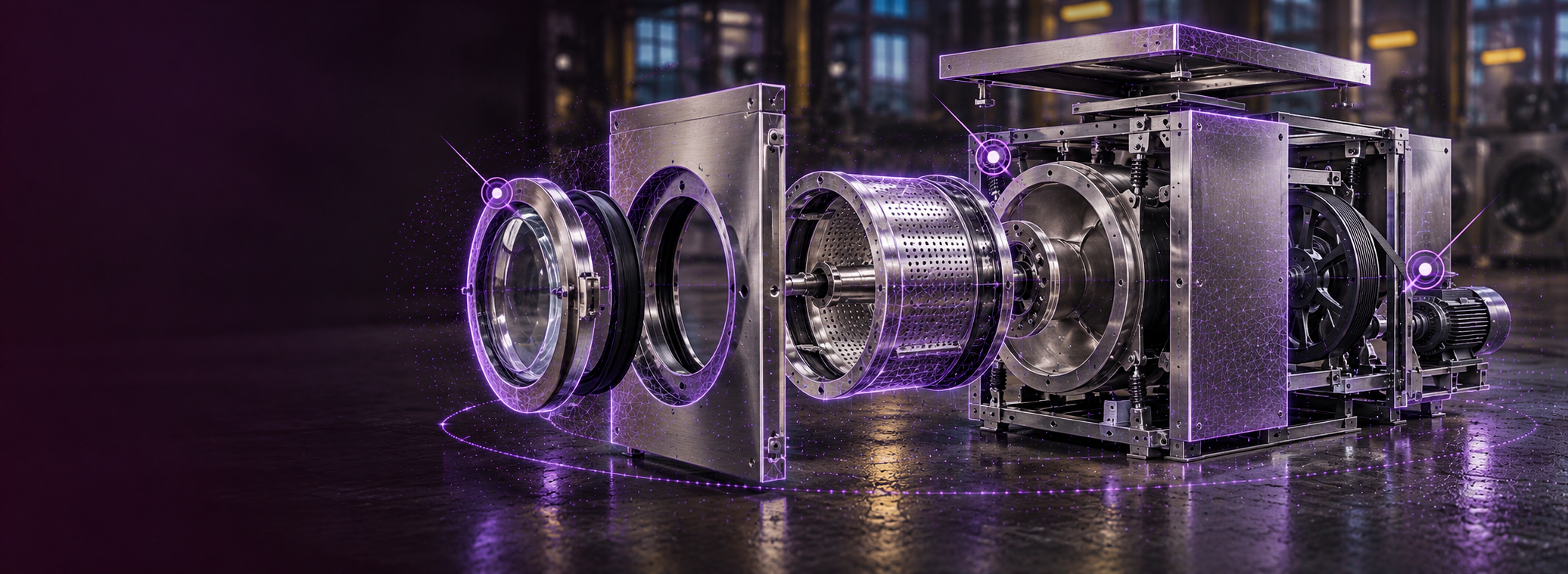
3D scanning and modeling for training turns a real piece of equipment into an interactive model learners can rotate, explode and examine part by part in a web browser, with instructions attached to the components they describe.
We scan the real object and turn it into an interactive 3D model. Learners explode the assembly, rotate it, isolate a part, and put it back together, and when they point a phone at the real thing, the same content overlays onto the live camera view, anchored to the parts it refers to.
We scan it
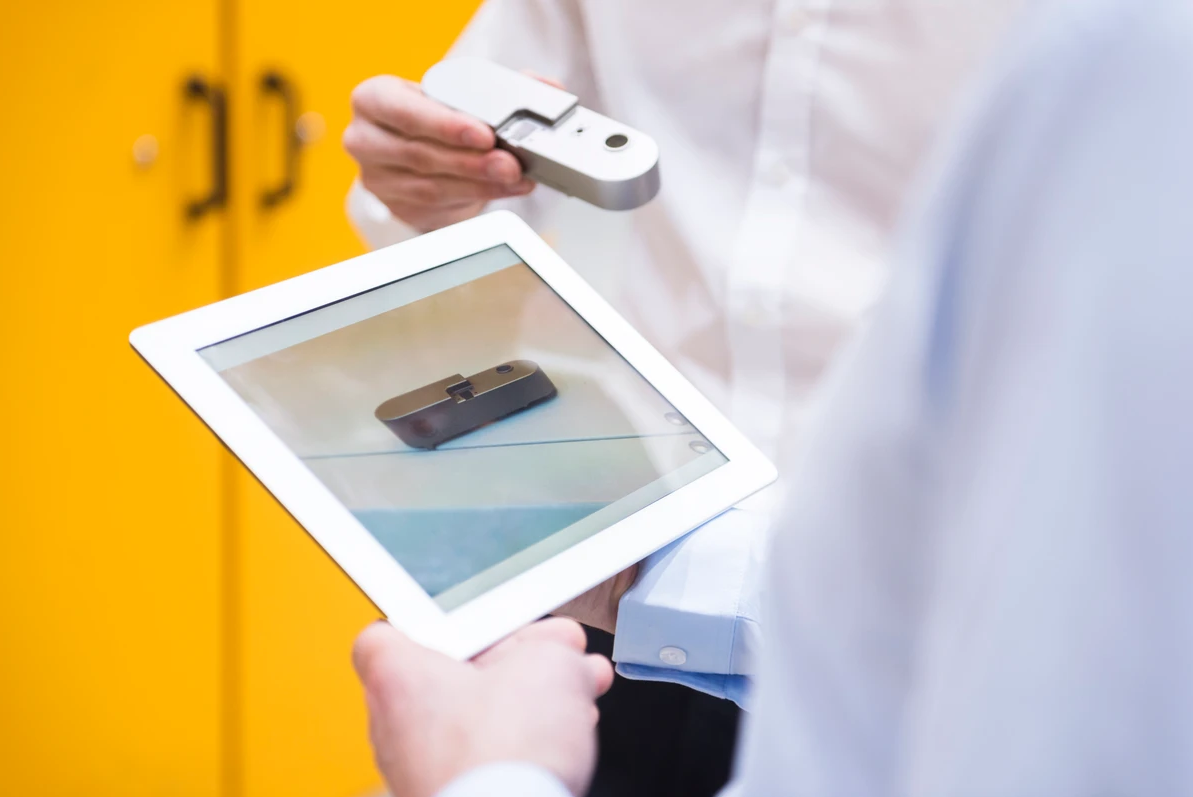
We capture your equipment on site with a professional scanner or a phone camera. One session, and the object never leaves your floor.
We build the model
The scan becomes an interactive model with parts isolated, annotated and ready to come apart. Instructions, warnings, and specs attach to the components they describe.
You deliver it anywhere
Publish as a standalone link or embed the viewer in your own site or LMS. Learners open it in a browser, and point a phone at the real unit to see the same content overlaid on it.
3D Object Scanning
We capture your equipment, products, specimens or machinery with a professional scanner or a phone camera, and convert them into interactive models. Nothing has to be modeled from scratch, because we're working from the real thing.
Scanning takes a single session on site, and the object never leaves your floor.
Interactive Models
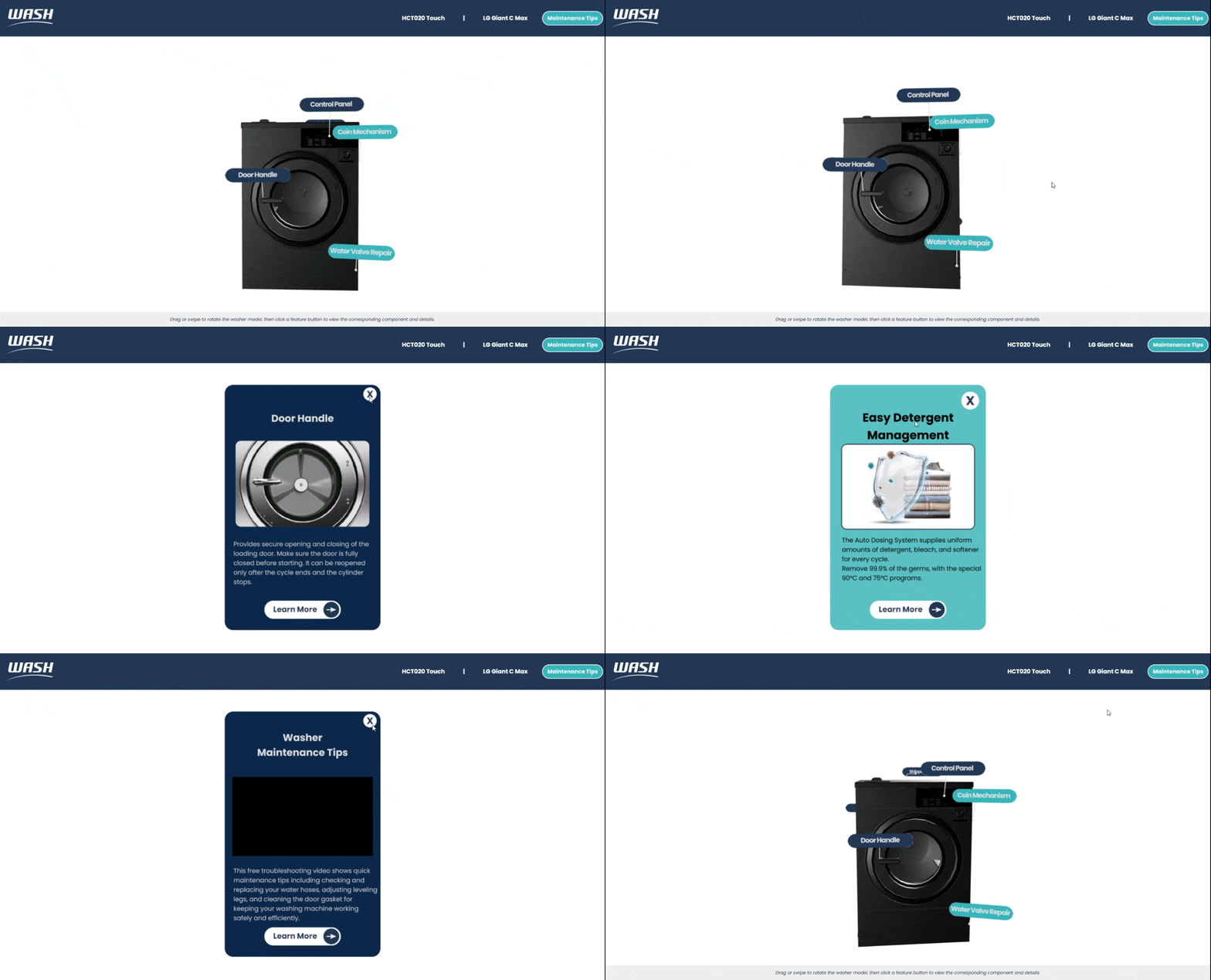
Learners explode an assembly into its parts, rotate it, isolate a component and reassemble it. Attach instructions, warnings or assembly steps to individual parts, so the explanation sits on the thing it explains.
The parts diagram, except it moves.
AR Object Tracking
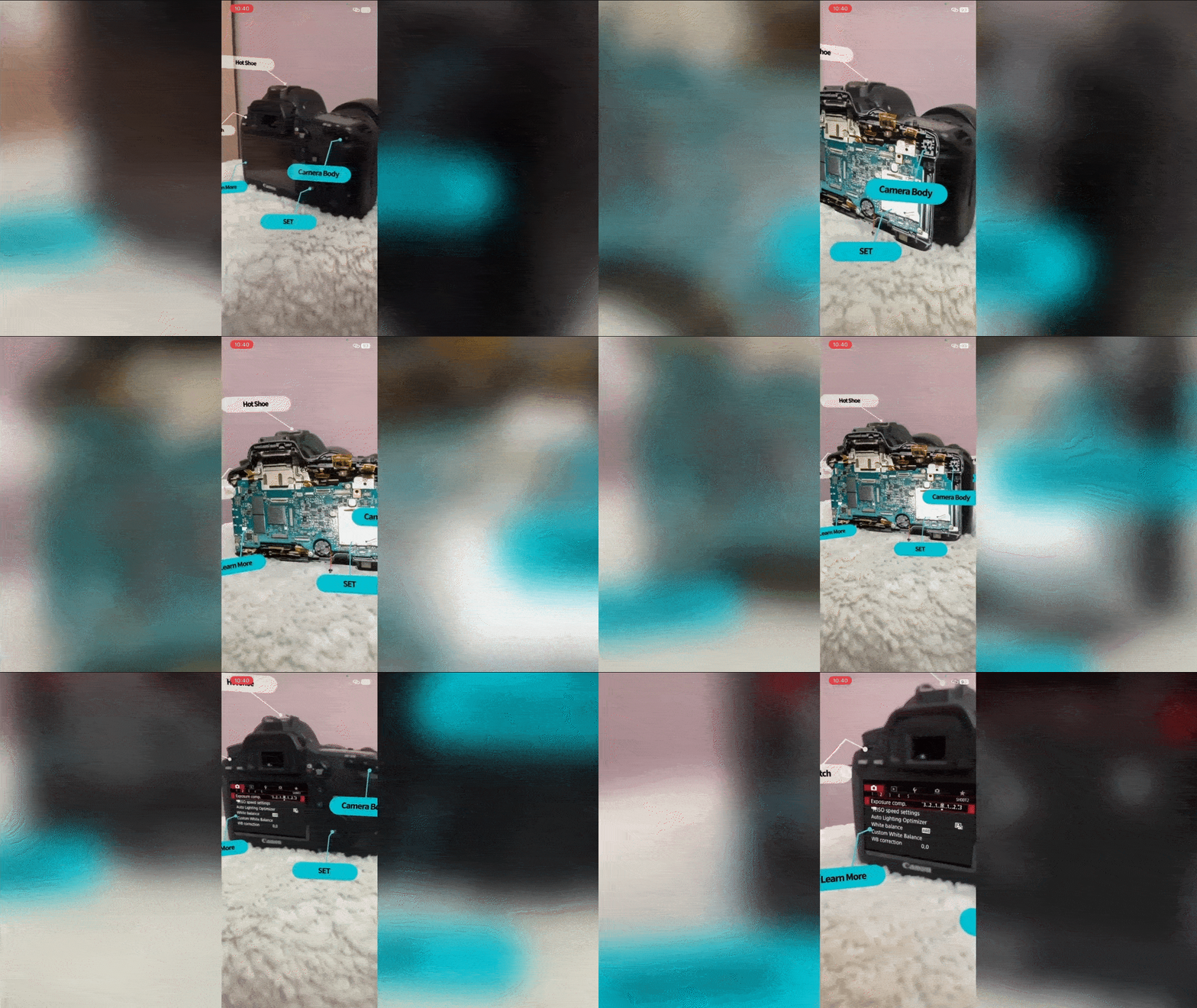
Through image and object recognition, the experience locks onto the real item through the phone camera. Hotspots appear anchored to specific parts, and users tap to reveal instructions, warnings or assembly steps.
Browser Delivery
Delivered in the browser. No app store, no downloads. Share a direct link, or embed the viewer in your own site or LMS with a single snippet.
Standalone URL
Share a direct link. Users open it in any mobile browser — no login or install needed.
Webpage Plugin
Embeds in any CMS, landing page or LMS.
Mobile-First
Built for iOS and Android browsers. No special hardware — just a phone camera.
Where This Gets Used
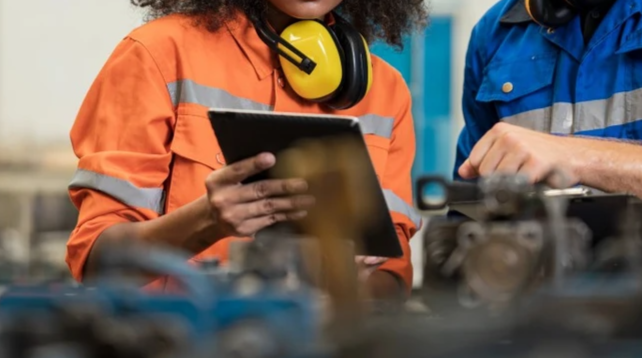
Manufacturing and field service.
Start-up sequences, lockout-tagout points, maintenance intervals, and the warning that belongs on that valve.
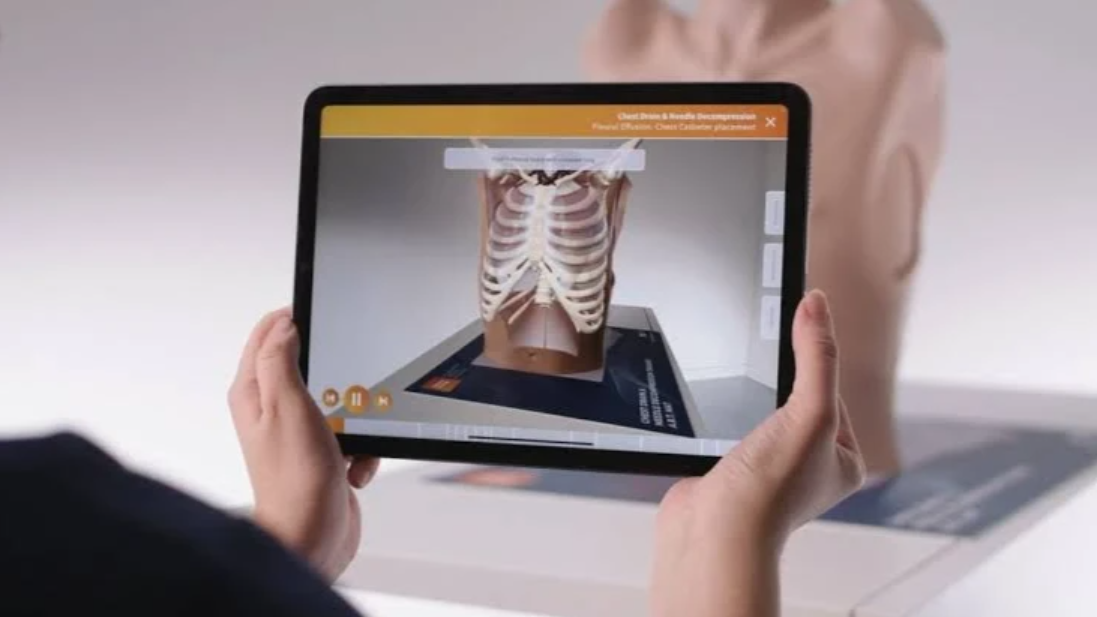
Equipment dealers and distributors.
Parts identification and service training across a product line, without shipping a demo unit to every branch.
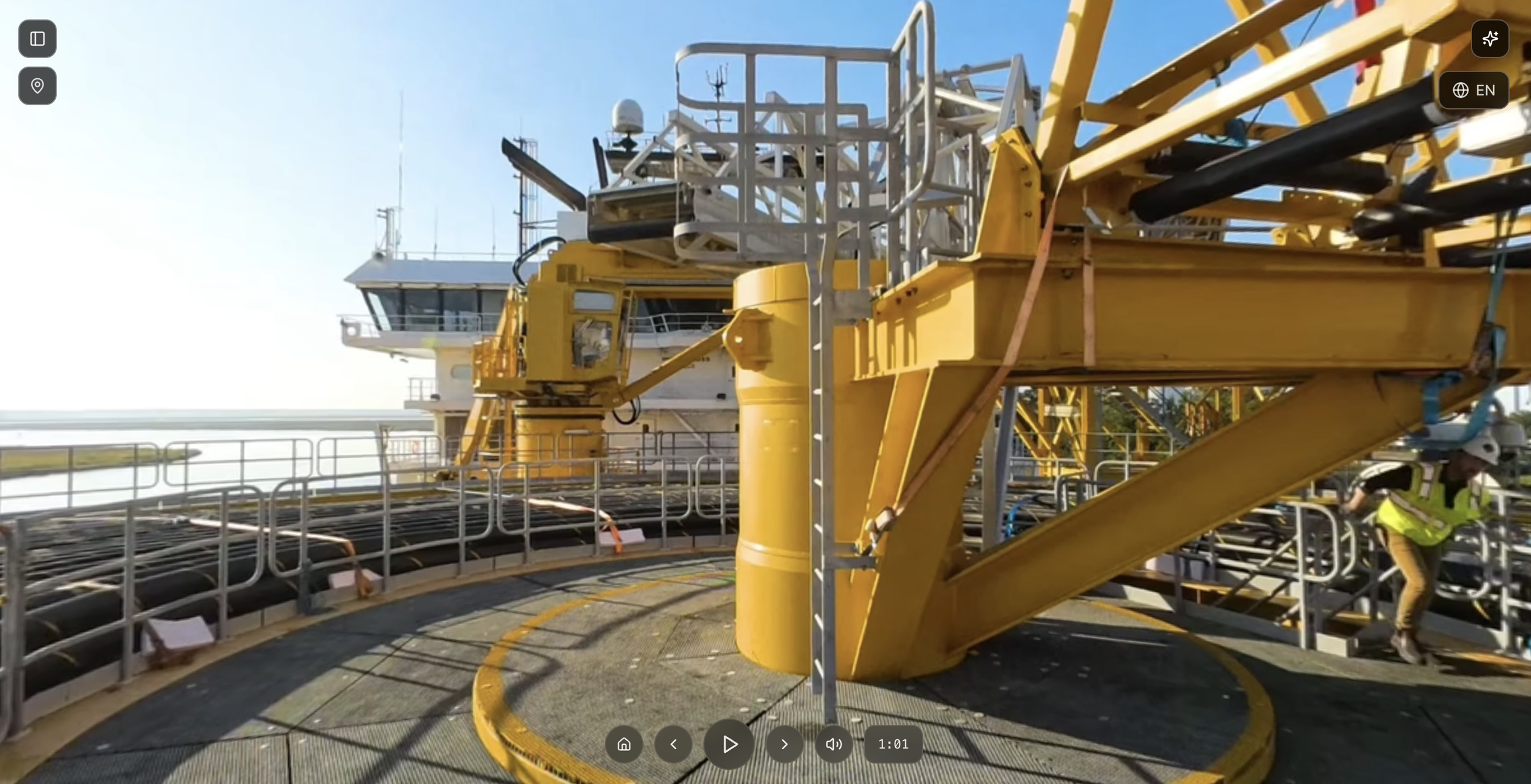
Energy and utilities.
Substation equipment, pumps and turbines, where the asset is remote, energized, or both.
Medical device and laboratory instrumentation.
Training field service engineers and the clinical or lab staff who operate the device, on the instrument itself rather than on a diagram of it.
FAQs
-
No. Scanning happens at your site and the equipment never leaves your floor.
-
Yes. We can build from your CAD files, and tell you what additional scanning the model needs on top of them. We can also come and scan on site instead.
-
A web browser. No headset, no app, and no specialist hardware.
-
Yes. The model that runs in the browser also drives the AR overlay a technician sees when pointing a phone at the actual unit.
Have an object in mind?
Tell us what you want to bring to life, whether it's equipment, a product or a lab specimen. If a photo and a good manual would serve you better, we'll tell you that too.
Prefer to talk it through? [Book a call]