
IMMERSIVE COURSE DESIGN AND DELIVERYPut students inside the subject.
Stand them in the place, put the object in their hands, or drop them into the situation and let them respond. Captured once from the real thing, and every cohort after this one gets the same access.
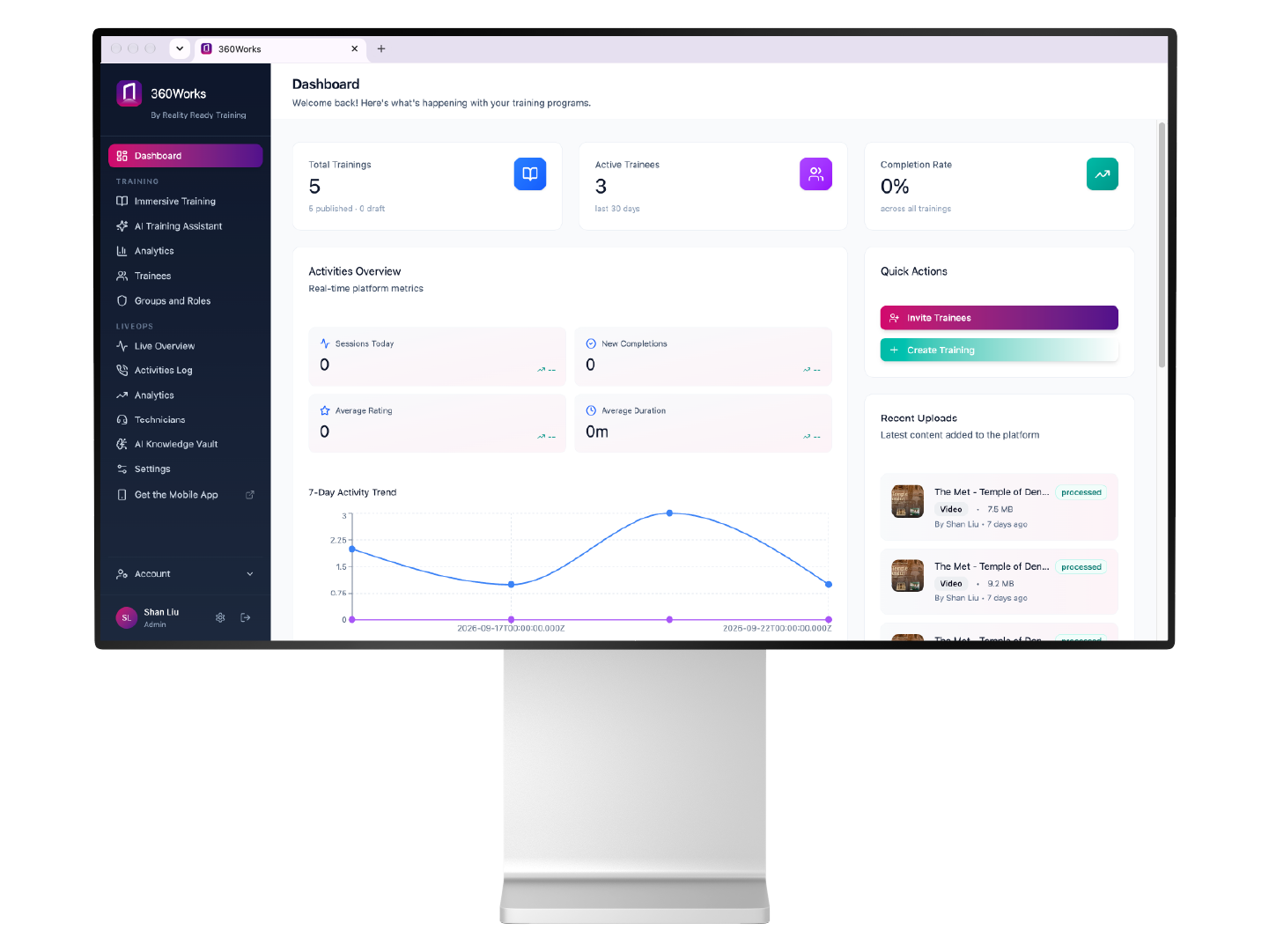
The problem
The world doesn't organize itself around a university timetable.
A hospital ward doesn't stop for a class visit. Rare objects don't become less fragile because thirty people need to study them. And the moments that really test someone's judgment rarely happen somewhere convenient, with a lecturer standing by to explain.
So much of education is an exercise in bringing the outside world into the classroom. And when the real thing is out of reach, we reach for the tools we have: photographs, diagrams, lectures, video.
But there's only so much of the world you can fit on a slide.
What We Build
Places students cannot visit.
Industrial sites, clinical settings, collections in storage. Places too far, too dangerous, or open once a year.
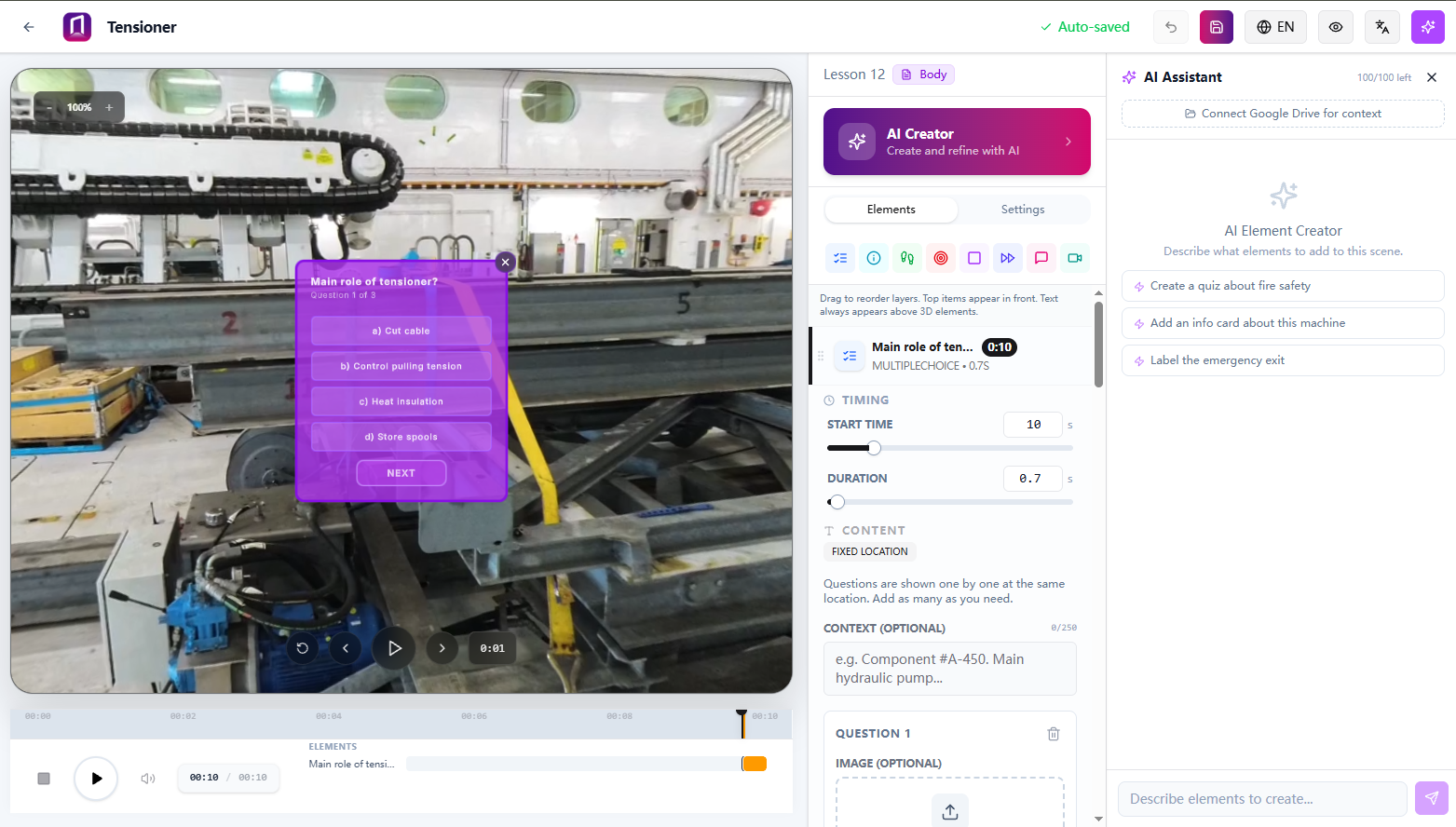
Start with the material you already have.
Turn existing slides, videos, and lecture recordings into interactive lessons. Build them yourself, or use AI Creator to draft the first version for your review.
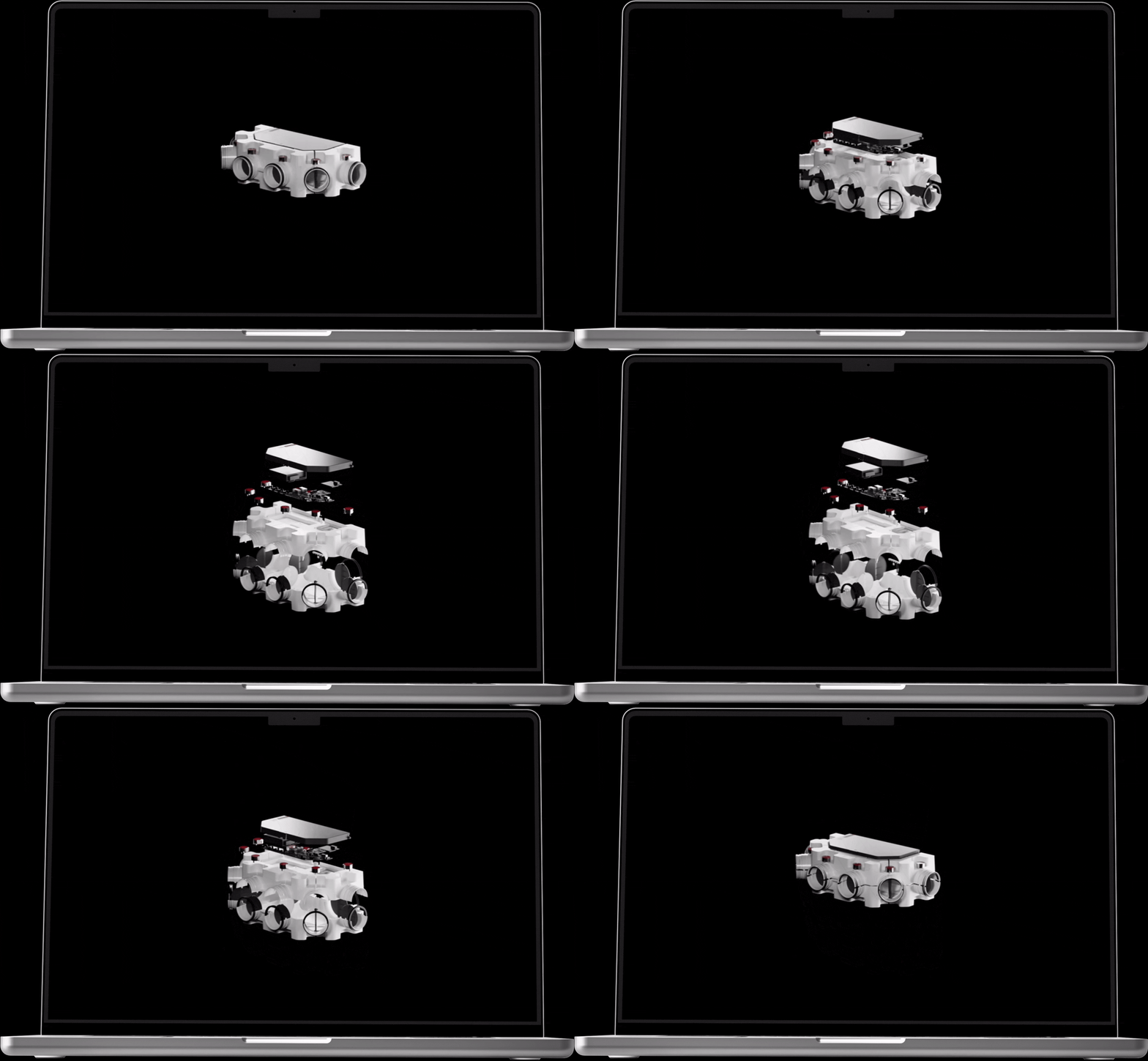
Objects they can handle.
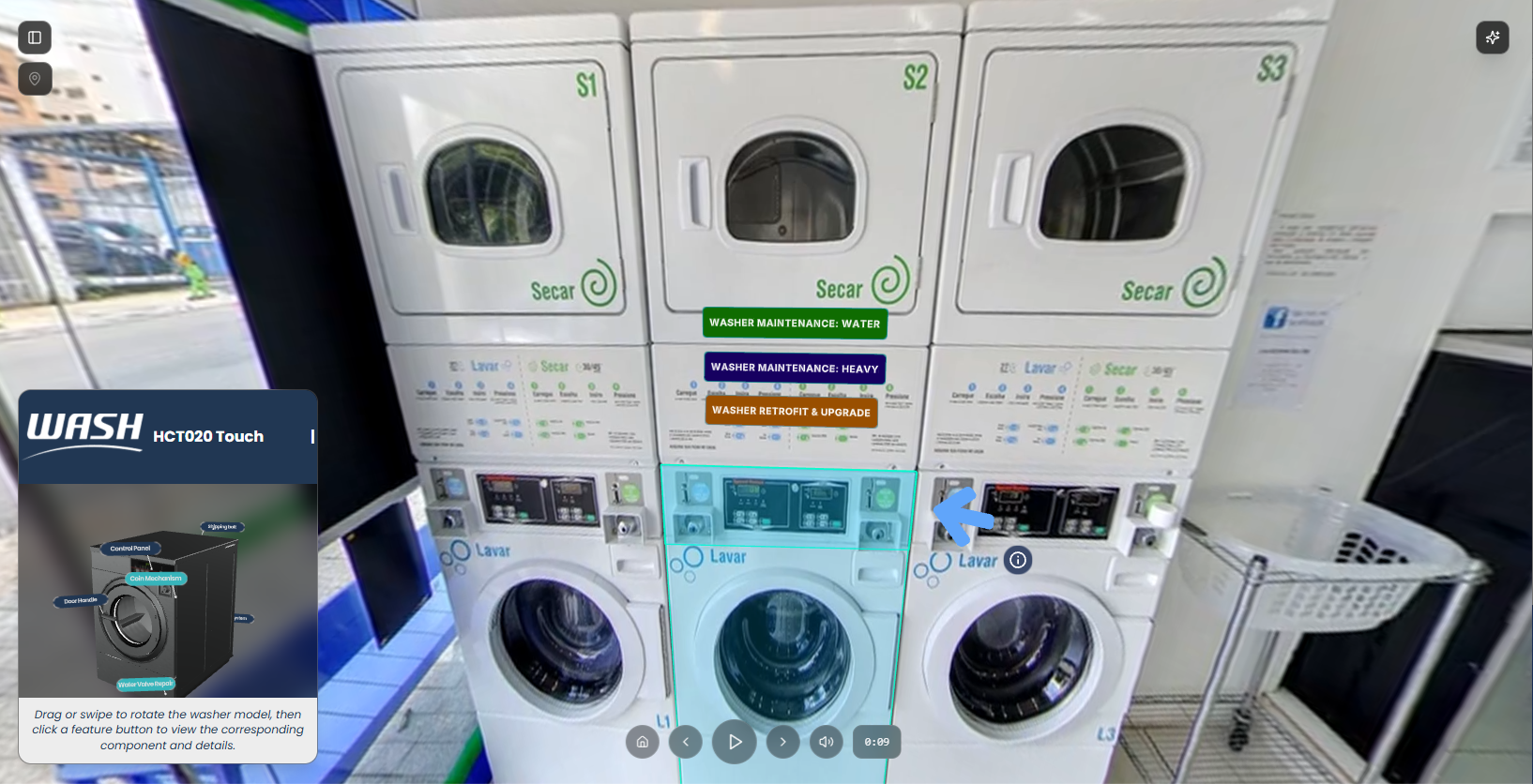
Interactive 3D models of specimens, instruments and equipment, built from scans of the real thing with our studio.
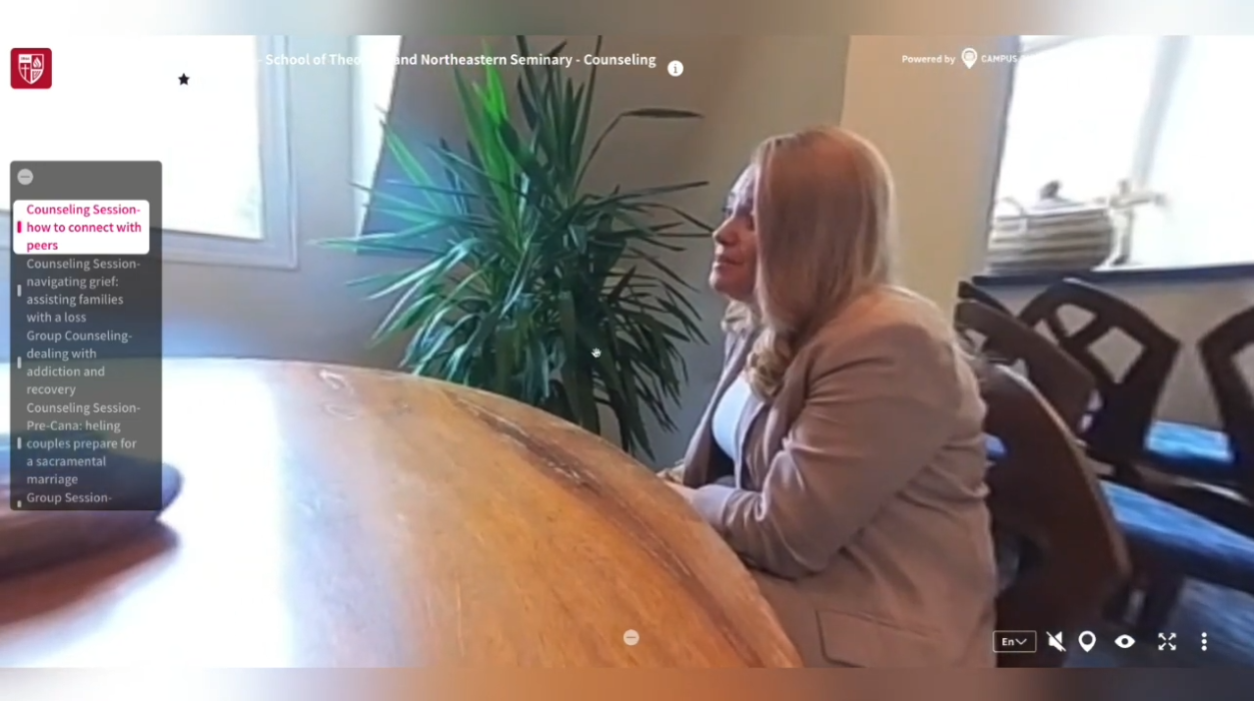
Situations students can practice.
Role-play scenarios where a student has to respond, and what they choose decides what happens next. A difficult conversation, a patient going downhill, a class losing control.
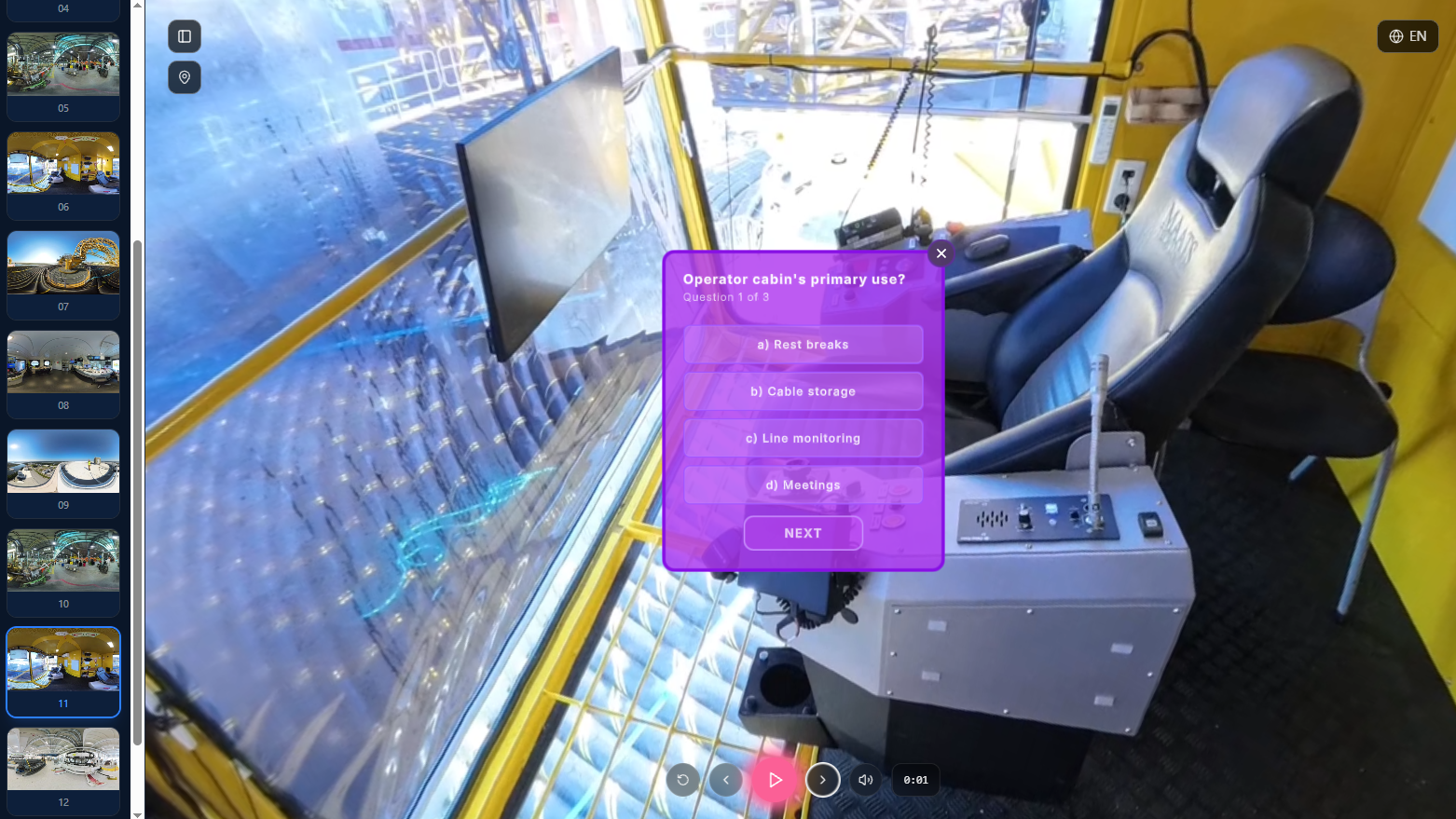
Information right where students need it.
Add explanations, images, questions, or narration directly to a 360° scene, so students can investigate something while they're looking at it.
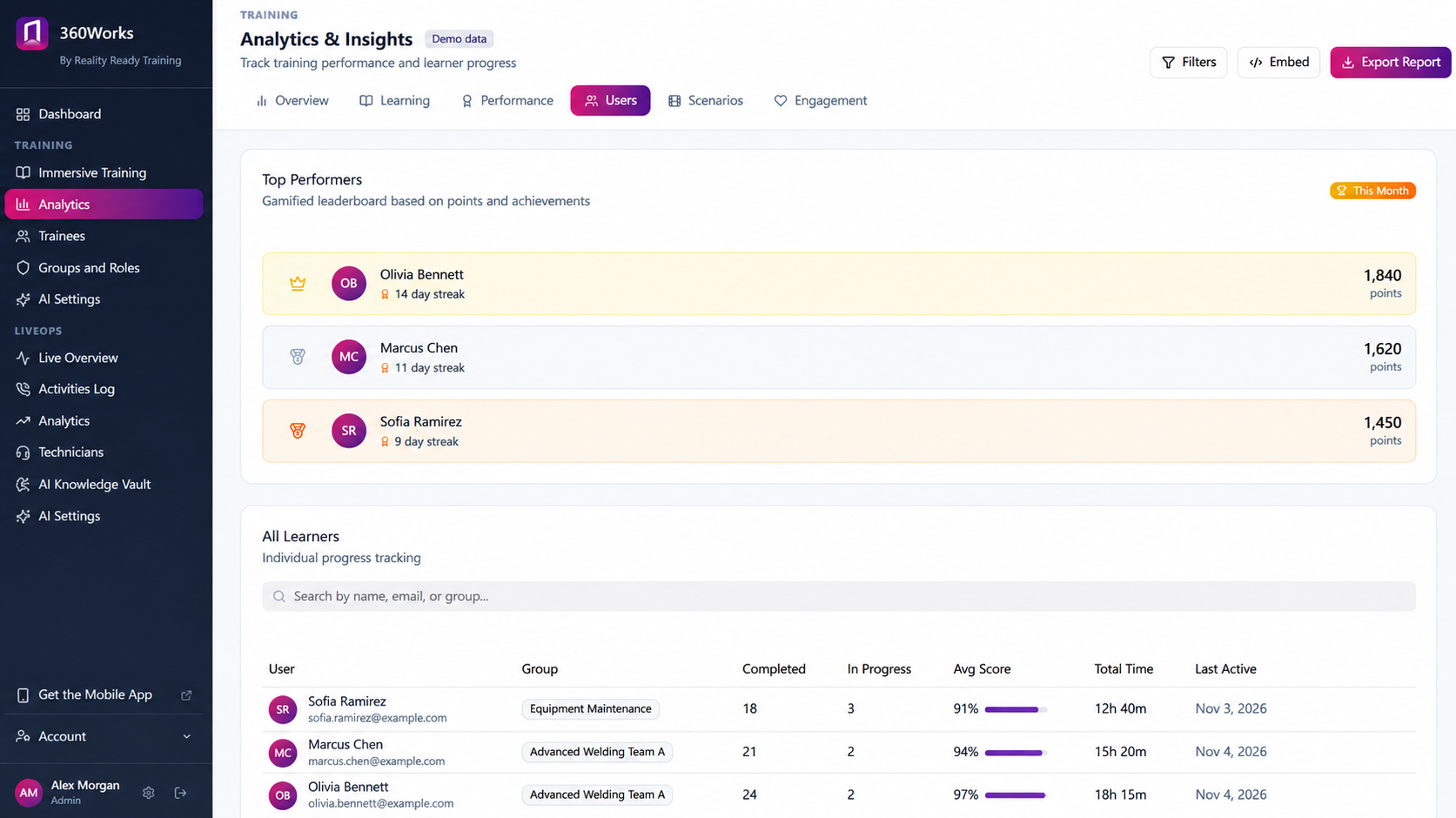
Completion and scores per student.
Who finished, when, and how they did. Exportable or pushed to your LMS.
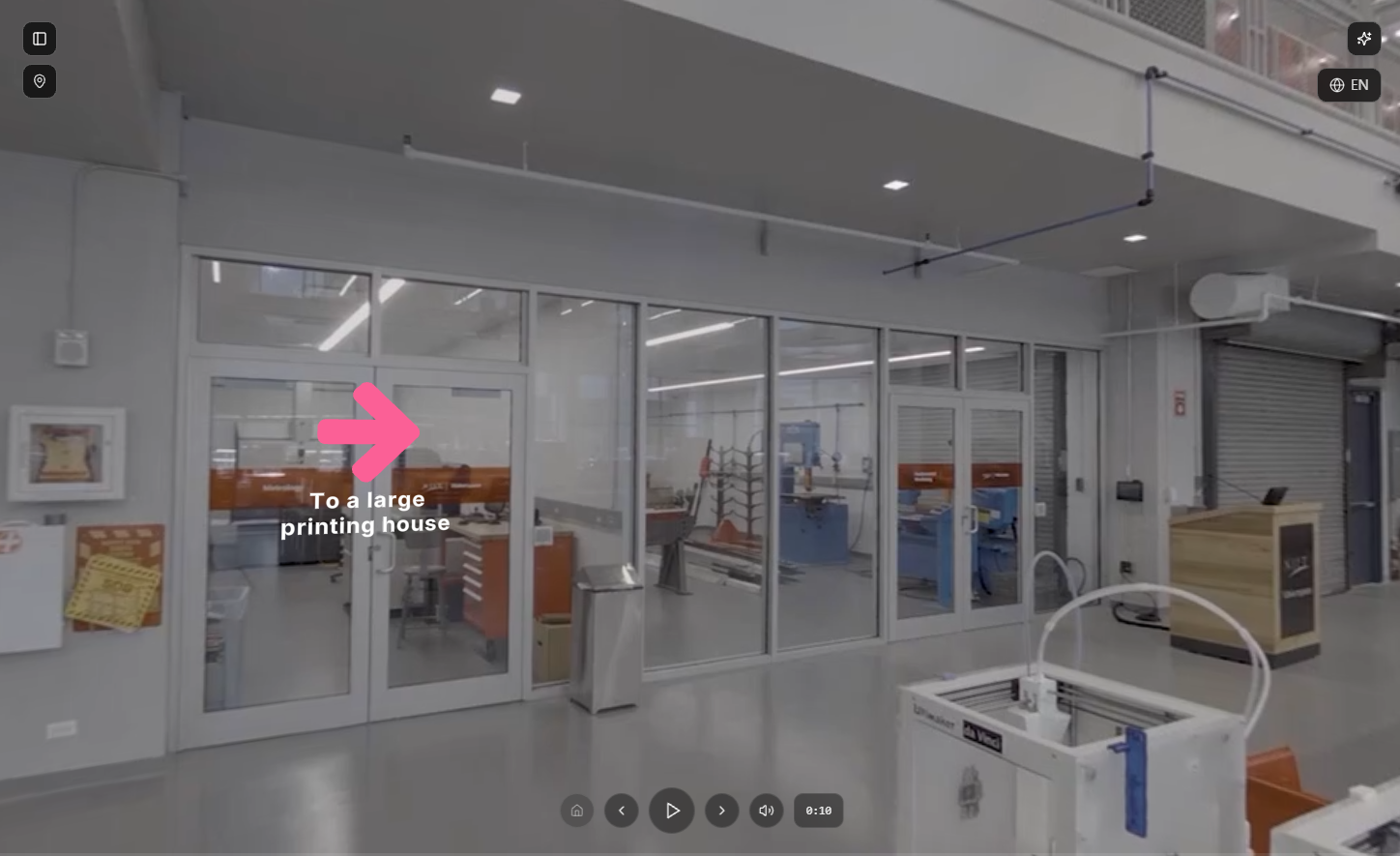
For Classrooms and Workspaces
In the classroom
Give students access to environments they cannot physically enter: industrial sites, clinical settings, collections in storage, places that are too far, too dangerous, or open once a year. Career exploration for programs whose students have never seen the work they are training for.
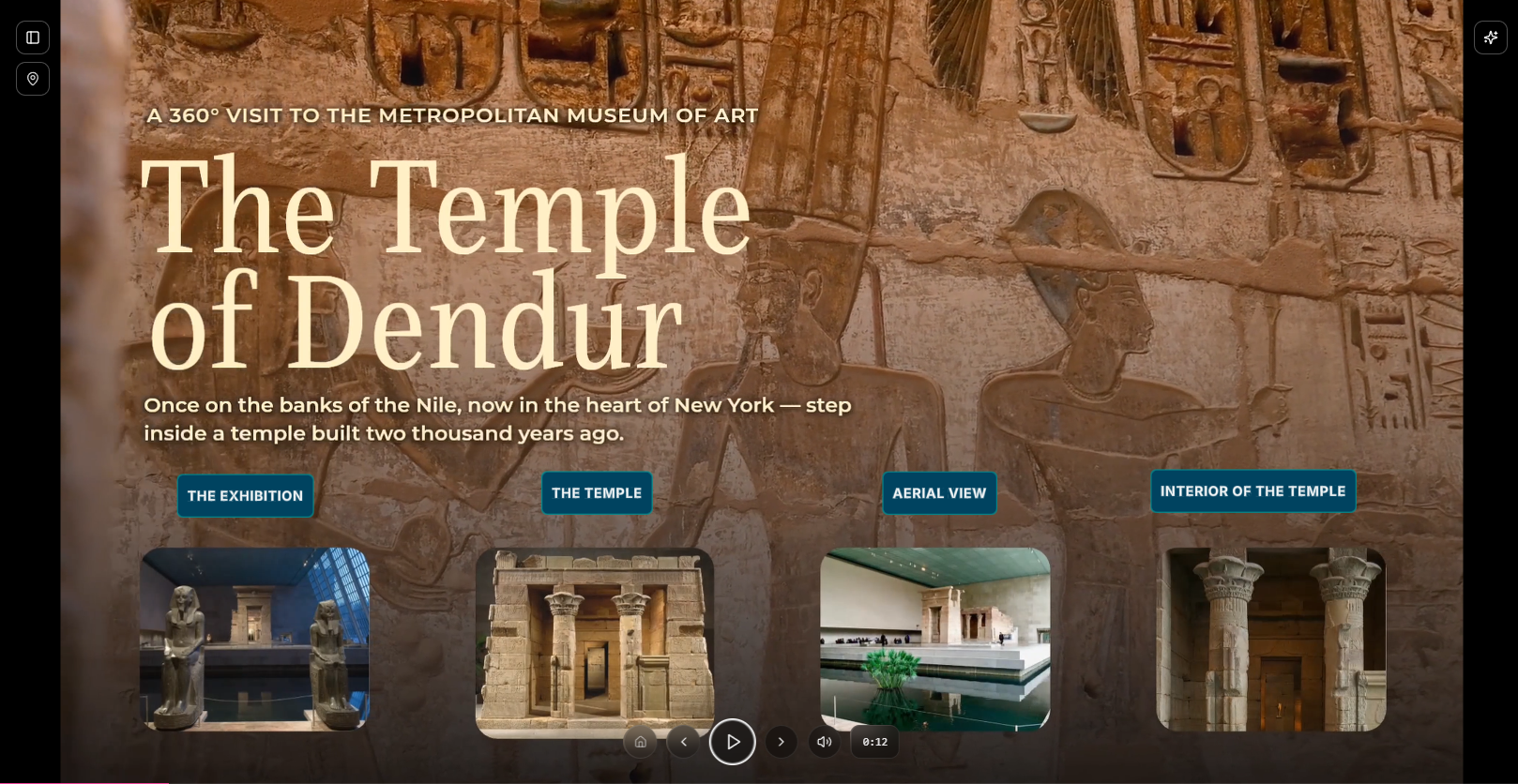
In the field and on placement
The same material, available before a placement begins and during it. Students arrive at a clinical floor or a site visit already knowing the layout, so the hours they have there go further.
Typical Modules
Clinical Facility Orientation
- 1 The unit, end to end 20 min
- 2 Equipment you will use 15 min
- 3 Infection control in this setting 15 min
- 4 Who does what on the floor 10 min
- 5 What to do when you are unsure 10 min
What You Need to Start
Most departments begin with material they already have. Slides, lecture recordings, and existing footage transfer directly into a course.
Your own staff can capture 360° footage; a phone is adequate and a 360° camera is better. Our studio uses professional equipment and will get more out of a given site, though a department is welcome to begin on its own.
Built by Our Studio
We come to the site, capture it, model what needs modeling, produce the courses, and deploy the program on 360Works. For coursework with sophisticated needs: interactive 3D models scanned from your own specimens and equipment, or access to a facility you only get into once. Your faculty decide what the course teaches and how it is taught; we handle the production.
Common Questions
-
Yes. Courses publish to SCORM, and completion and scores export or push into the system you already run.
-
Yes. Courses open in a browser on whatever phone, tablet or laptop they already have. No headset and no app.
-
You do. It lives in your 360Works account and exports with the rest of your material.
-
Yes. 360Works is self-service: upload footage, build the lesson, publish it, see who took it. The studio is for the projects that need capture, scanning or access you cannot arrange yourself.
What did you only get to show them once?
Tell us about the place, the object or the procedure, and we will tell you how we would capture it.